Scaling Your Figma Design System from Seed to Enterprise

Your Design System Has a Growth Problem
At seed stage, your design system was simple: a handful of colours, two font weights, consistent spacing, and a dozen components that covered your entire product. It worked. Designers were fast. Developers understood the system. The Figma file and the codebase stayed in sync without much effort.
Then you grew. New features needed new component patterns. A second product line needed a variant of the design language. Enterprise clients requested white-label customisation. Your engineering team expanded from three to fifteen, and suddenly people were building components that already existed because they could not find them. Your Figma design system and your code component library drifted apart. Designers updated tokens in Figma; nobody updated them in code. Engineers built components that worked but did not follow the system.
This is the design system scaling problem, and nearly every SaaS company that succeeds beyond seed stage encounters it. The question is not whether your design system will need to evolve — it is whether you evolve it intentionally or let it fragment through neglect.
Stage 1: Seed (5-15 Components)
At seed stage, your design system should be minimal and pragmatic. You need enough structure to maintain visual consistency without enough overhead to slow down rapid iteration.
What to build:
- A design token file — colours, typography, spacing, border radii, shadows — implemented as CSS custom properties or Tailwind config. This takes a day to set up and saves weeks of inconsistency.
- Primitive components — Button, TextInput, Select, Checkbox, Card, Modal, Toast. Built with variant props matching the Figma component variants exactly.
- A basic Storybook setup with one story per component showing all variants.
What to skip:
- Formal design system documentation beyond Storybook.
- Component versioning — at this stage, breaking changes are acceptable because the team is small enough to coordinate.
- Multi-theme support — unless you are certain you need it at launch.
- Visual regression testing — manual review is sufficient when the component count is low.
Common mistake: Over-engineering the seed-stage system. Building a full atomic design hierarchy with formal governance before you have product-market fit wastes time and creates structure that may not fit the product as it evolves.
Stage 2: Series A (30-60 Components)
At Series A, the product has found its shape. Feature development is accelerating. The engineering team is growing. The design system needs to scale from a shared convention to a proper system with tooling and process.
What to add:
- Composite components — form groups, data tables, navigation patterns, dashboard widgets. These are the components that compose the primary product views and represent the majority of new development work.
- A component contribution process — how do new components get proposed, designed, reviewed, built, and documented? Without a process, engineers will build ad-hoc components that look right but do not follow the system.
- Visual regression testing — Chromatic or Percy integrated with your CI pipeline. When you have 50 components across multiple variants and two themes, manual visual review is no longer sufficient.
- Dark mode — if your product did not launch with it, Series A is typically when customers start requesting it. Better to build the theme architecture now than retrofit it later.
What to skip:
- Multi-tenant theming — unless you are actively pursuing enterprise white-label deals.
- Public component API documentation — your consumers are still internal.
- Design system versioning — your release cadence is fast enough that everyone stays on the latest version.
Common mistake: Letting the Figma design system and the code component library drift apart. At this stage, you need a clear process for keeping them in sync — ideally, every Figma component update triggers a corresponding code update in the same sprint.
Stage 3: Series B and Beyond (100+ Components)
At Series B, your design system is a product in its own right. It has consumers (your engineering teams), it has stakeholders (design leadership, product managers), and it has requirements that go beyond "make things look consistent."
What to add:
- Multi-tenant theming — enterprise clients expect branded instances. Your component library needs to resolve design tokens from a tenant configuration, supporting any number of visual themes from a single codebase.
- Design system versioning — when you update the spacing scale or refine the colour palette, existing product surfaces should not break. Token versioning with migration paths becomes essential.
- Component API stability guarantees — internal teams and potentially external partners depend on component interfaces. Breaking changes need deprecation notices, migration guides, and transition periods.
- A dedicated design system team (or at least a designated owner) — at this scale, the design system cannot be maintained as a side project. Someone needs to own its quality, evolution, and adoption.
- Accessibility auditing as part of the component review process — every component should meet WCAG 2.1 AA before it enters the library.
- Performance budgets for components — individual component bundle sizes should be monitored and optimised.
Common mistake: Trying to leap from Stage 1 directly to Stage 3. The enterprise-grade features of Stage 3 require the foundation of Stage 2. If you have not built proper component contribution processes, visual regression testing, and dark mode support, adding multi-tenant theming and versioning will create more complexity than value.
The Migration Challenge
The hardest part of scaling a design system is migrating between stages. Your seed-stage Button component was a simple functional component with a few props. Your Series B Button needs variant props, polymorphic rendering, compound sub-components for icons and loading states, and tenant-aware theming. How do you get from A to B without breaking every page that uses a Button?
Our approach is incremental migration with compatibility wrappers. The new Button component is built alongside the old one, with a compatibility wrapper that maps old prop APIs to new ones. Existing code continues to work. New code uses the new API. Teams migrate at their own pace. Once all consumers are migrated, the compatibility wrapper and old component are removed.
This approach avoids the big-bang migration — where the entire application must be updated simultaneously — which is one of the most common causes of design system migration failure.
Figma and Code Sync at Scale
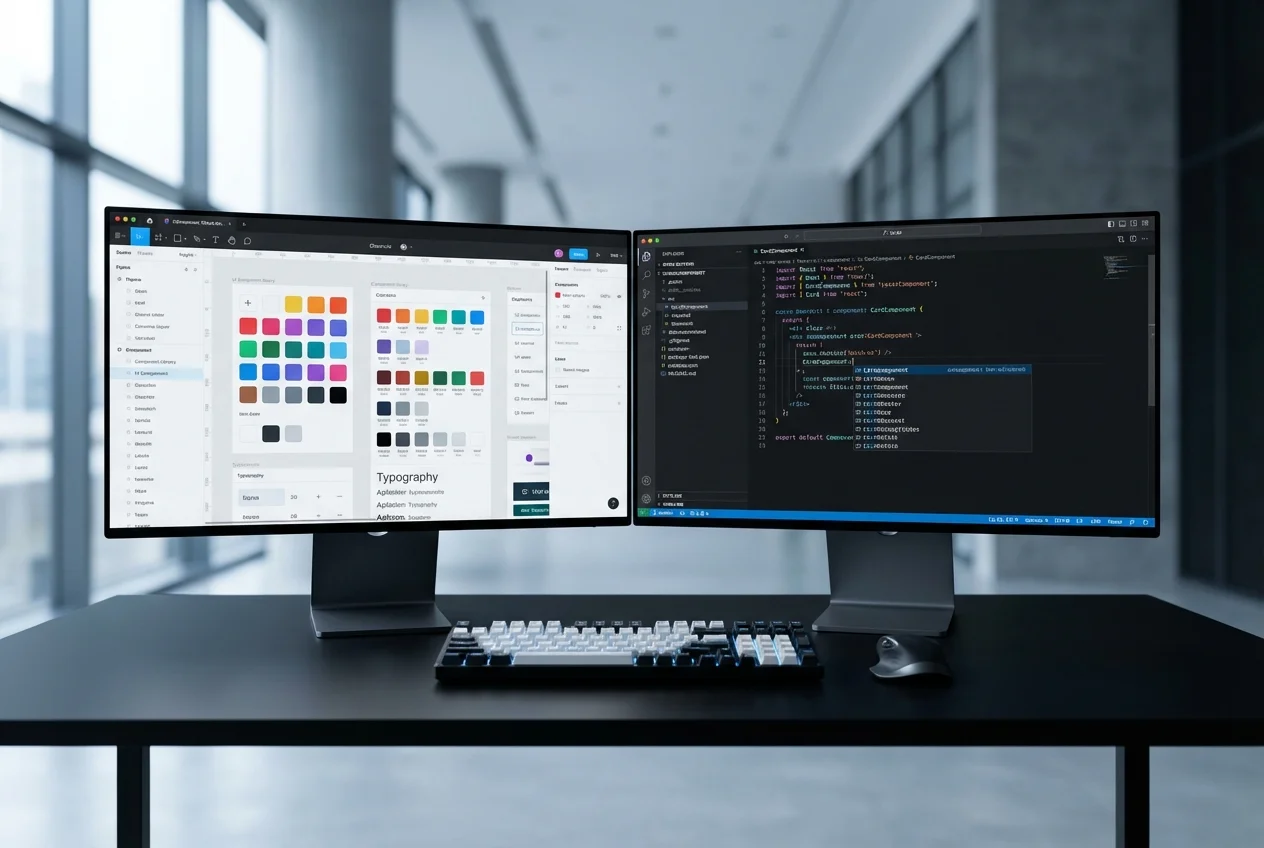
At every stage, the most valuable property of a design system is the 1:1 mapping between Figma and code. When a designer updates a token in Figma, there is exactly one place to update it in code. When an engineer asks "does this component exist?", the answer is in Storybook — and it matches what the designer sees in the Figma library.
Maintaining this sync at scale requires tooling. We use Figma's Variables API to extract design tokens automatically, generating the CSS custom property files that components consume. Component audits — comparing the Figma component list against the Storybook component list — run monthly to identify drift. And every component in Storybook links back to its Figma source, so engineers can always reference the design specification.
If your design system is approaching a growth transition and you want guidance on how to scale it without disruption, book a free consultation. We will review your current system and recommend a practical migration path.
 Custom SaaS Development
 Figma to Code